
Process Monitor 4.11
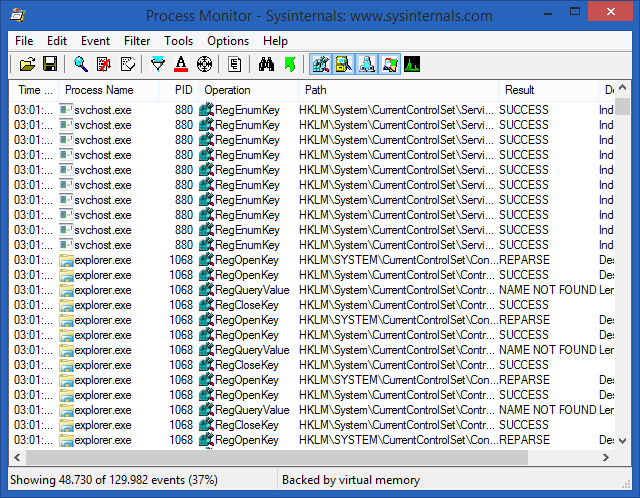
📊 Process Monitor 4.11 – Advanced Windows Activity Monitor
Process Monitor 4.11 is a Windows system monitoring utility that provides detailed information about activity taking place on a computer. It can be useful for examining running processes, tracking system operations, and investigating unusual behavior or application-related issues.
⚙️ Track System Activity
Observe activity generated by applications and system components to get a better understanding of what is happening in the background while Windows is running.
💻 Examine Running Processes
Use the utility to investigate process-related activity and identify applications or system components that may be involved in a particular operation.
🔍 Detailed Monitoring
Process Monitor can provide extensive activity information, making it useful when you need more visibility than standard Windows monitoring tools normally provide.
🔧 Troubleshooting Assistance
The application can help during troubleshooting by allowing users to inspect system and application activity when diagnosing errors, unexpected behavior, or performance-related problems.
📈 Analyze Application Behavior
Monitor activity while programs are launched or used to better understand how applications interact with the Windows operating system.
🛠️ Useful for System Administration
Process Monitor can be a practical addition to a Windows administrator’s toolkit for investigating system activity and performing detailed technical analysis.
📌 File Information
Software: Process Monitor 4.11.zip
File Size: 3.1 MB
Format: ZIP Archive
Category: System Monitoring / Process Analysis / Windows Utilities
Platform: Windows