
Explorer++ 1.3.5.531 Portable
📁 Explorer++ 1.3.5.531 Portable Download – Advanced File Manager for Windows
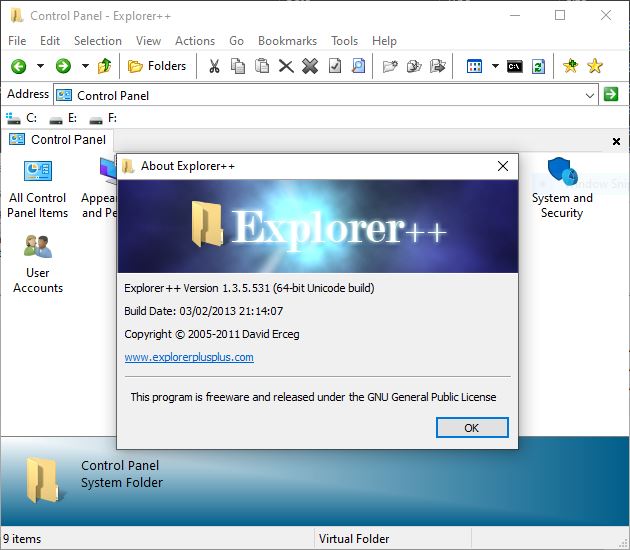
Explorer++ 1.3.5.531 is a lightweight Windows file manager designed to provide a faster and more flexible alternative for managing files and folders. It offers a tabbed interface along with useful tools for browsing, organizing, copying, moving, and managing files.
⭐ Key Features
- ✔ Browse files and folders using a tabbed interface
- ✔ Open multiple directories in separate tabs
- ✔ Copy and move files between locations
- ✔ Rename multiple files efficiently
- ✔ Create, delete, and organize folders
- ✔ Search for files and folders
- ✔ Preview file properties and details
- ✔ Customize the file listing and interface
- ✔ Bookmark frequently accessed folders
- ✔ Manage files using keyboard shortcuts
📌 File Information
Software: Explorer++ 1.3.5.531 Portable
File Size: 2.13 MB
Format: RAR Archive
Category: File Manager / File Management / System Utilities
Platform: Windows
📖 About Explorer++ 1.3.5.531
Explorer++ 1.3.5.531 is a portable file management application for Windows that provides an alternative interface for navigating and organizing files. Its tabbed browsing system allows users to work with multiple folders within a single window.
The application includes common file management functions such as copying, moving, deleting, renaming, and searching for files. It also provides features for managing frequently accessed locations and viewing file information without relying entirely on the standard Windows File Explorer interface.
Explorer++ is designed to remain lightweight while offering a practical set of tools for everyday file management and organization tasks.
📊 Why Use Explorer++?
Managing multiple folders in separate file windows can become inconvenient when working with large collections of files. Explorer++ provides a tabbed approach that makes navigating between locations easier while keeping the application lightweight.
Its combination of tabbed browsing, file operations, bookmarks, search, and customization options makes it useful for users who want a more flexible file manager for Windows.